Are your WooCommerce product pages holding you back?
Ever felt like your product page just isn’t doing the job? Like, people land there, scroll a bit, then bounce? You’re not alone. In 2025, expectations are higher than ever. Customers want more. Not just pictures and price. They want stories. Action. Interaction.
And you—well, you’re stuck with those default WooCommerce templates. Boring. Flat. Predictable. But it doesn’t have to be this way.
Plugins are the secret weapon. They let you change almost everything. You can add tabs, swatches, extra info boxes, recommendations—you name it. Suddenly, your product page isn’t just a page. It’s an experience. Let’s dive into the seven best plugins to transform your WooCommerce product pages this year.
Why Customize WooCommerce Product Pages in the First Place?
Sales were just okay. Not terrible. But not growing. Every day felt the same—log in, check orders, leave a little more frustrated.
Until one small tweak changed everything.
A plugin. Just one. A clean tab section. Better images. Clearer pricing. Then came trust. Then came clarity. Then came the clicks.
See, customizing your product page isn’t fluff. It’s the face of your brand. It shows effort. Gives answers. Builds confidence. When shoppers feel understood and guided, they buy.
No one likes digging for info and or squinting at tiny text and or clicking through confusion.
Better design. Better flow. Better story. That’s what plugins bring. And results? They speak louder than any ad spends.
Suppose you’ve ever wondered “why bother?”—this is why. One good plugin could mean ten more sales.
Top 7 Plugins to Customize WooCommerce Product Pages
1. WooCommerce Product Add-Ons Ultimate
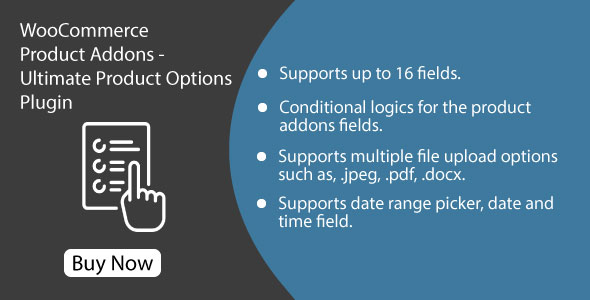
This one’s a lifesaver. Seriously. Say you sell custom mugs. You want buyers to add names, messages, and maybe upload a photo. Default WooCommerce? Nope. Not possible. But this plugin? Total game-changer.
You get checkboxes, text fields, uploads, and even dropdowns. And if you’re feeling fancy, you can use conditional logic. Like, “only show this field if the user picks Option A.” Magic.
Also, the pricing? Dynamic. Want to charge extra for a gift message or a photo upload? Done. Just set it up and forget it.
Great for artists, handmade shops, and even those selling services.
2. WooCommerce Custom Product Tabs
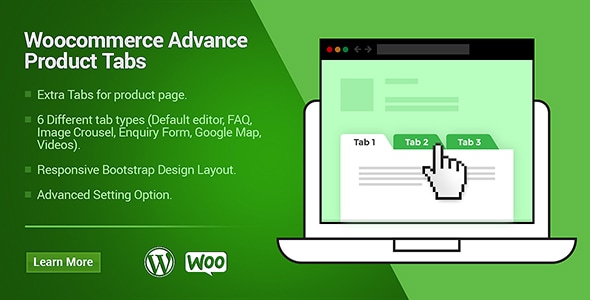
You got stuff to say. A lot of it. Shipping details. Size charts. Video guides. Warranty info. FAQ. But where do you put it all?
This plugin is your answer. It adds tabs right next to the default Description tab. Clean. Organized. Easy to scan.
Set tabs for each product. Or make global ones that show everywhere. Want to embed a YouTube video? Add a map? Use a shortcode? Please do it.
It looks sleek. Works on mobile. Drag tabs up and down to reorder. Feels natural.
And yeah, it’s lightweight. Doesn’t slow stuff down. It’s best to use the WooCommerce Product Tabs plugin if you care about layout and trust.
3. All-in-One WooCommerce Builder for Elementor
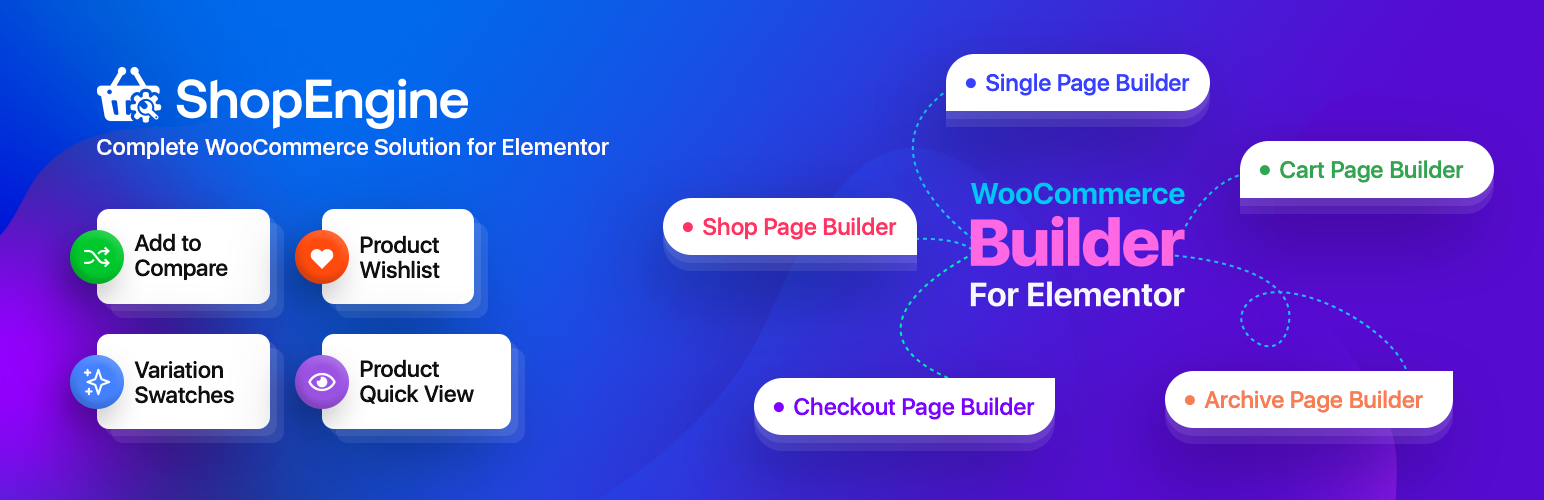
Ever wished you could design a product page like how you see it in your head? No code. No CSS hacks.
That’s ShopEngine—pure drag-and-drop magic. If you use Elementor, this plugin gives you, like, 60+ widgets to play with. Want a sticky Add to Cart bar? Done. Want to move the gallery under the title? Easy.
Live preview, custom templates, upsell modules—it’s got it all. And yeah, it doesn’t break your theme (unless you’re using some dinosaur-era thing).
4. YITH WooCommerce Badge Management
Here’s the thing. Shoppers are skimmers. They don’t read—they look. And badges? They catch the eye.
“New.” “Hot.” “Only 2 left!” You’ve seen those, right? They work. This plugin lets you slap cool, custom badges on product images. You can even make your own. Add icons. Choose colors. Go wild.
The automation is sweet, too. Set rules like “apply badge if product is on sale AND low stock.” It just works.
Your store looks alive. Active. Not some abandoned product graveyard.
5. WooThumbs for WooCommerce
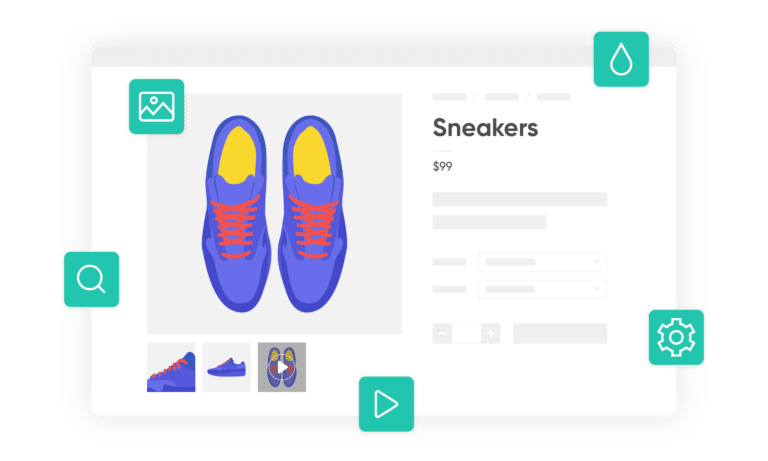
We eat with our eyes first. Same with online shopping. Your product images matter—a lot.
WooThumbs makes your image gallery look… expensive, like a premium Shopify store. You get zoom-in, image sliders, videos, and full-screen view. It’s smooth like butter.
Supports touch gestures too. So yeah, works amazing on mobile.
You can add a video for each variation. Got a blue shirt? Add a video of someone wearing it. That’s gold.
Lazy loading keeps pages fast. So, it won’t kill performance.
6. Product Recommendations for WooCommerce
Want to raise your average order value? Start showing smart suggestions. That’s what this plugin does.
Related products. Bought together. “You may also like.” And not just random ones. You set rules. Like “if user adds X, show Y.” Or “if product is over $100, upsell this.”
It’s drag-and-drop. So yeah, super friendly. You can show recommendations on product pages, in the cart, or even at checkout.
It helps people discover more stuff. You win. They win.
Bonus? It has A/B testing. So, you can see what works.
7. Variation Swatches for WooCommerce
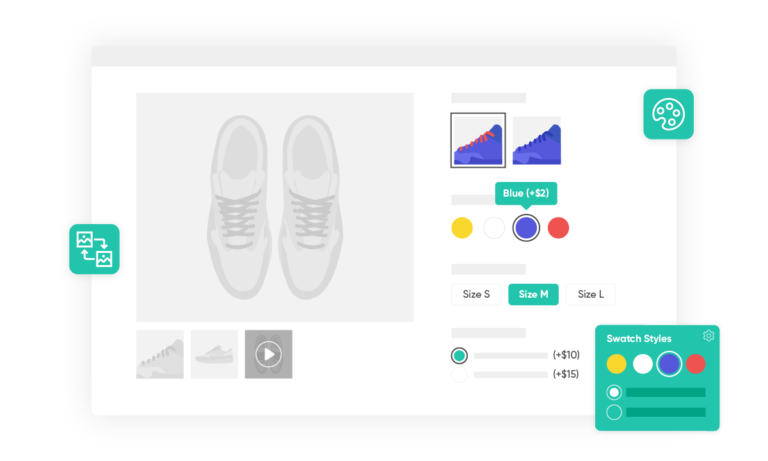
Dropdowns are boring. Don’t make people click and guess. Show them.
This plugin replaces those dusty old variation fields with swatches. Color blocks. Image boxes. Size buttons. It just feels better.
Hover for tooltips. Choose shapes. Customize with labels.
You can also show stock status. “Out of stock” swatches get grayed out. Nice touch.
Supports all themes. And yeah, it’s mobile-ready.
Use it for fashion. Use it for tech. Anywhere users need to choose.
Conclusion
Here’s the truth. A product page is not just about showing what you sell. It’s about convincing. Guiding. Selling.
If your current pages look flat, empty, or confusing—it’s time to act. You don’t need to redesign your whole store. Just upgrade key elements.
Use plugins to add power. Structure. Flair. Whether it’s the clarity of the WooCommerce product tabs plugin, the magic of variation swatches, or the simplicity of upsell boxes—each tool adds something vital.
Your store isn’t basic. Your products aren’t generic. So why should your product page be?
Start small. Pick one plugin. Add it. See what happens.
Most of these pay for themselves in days—not months.
Your product page is the first handshake. Make it count.